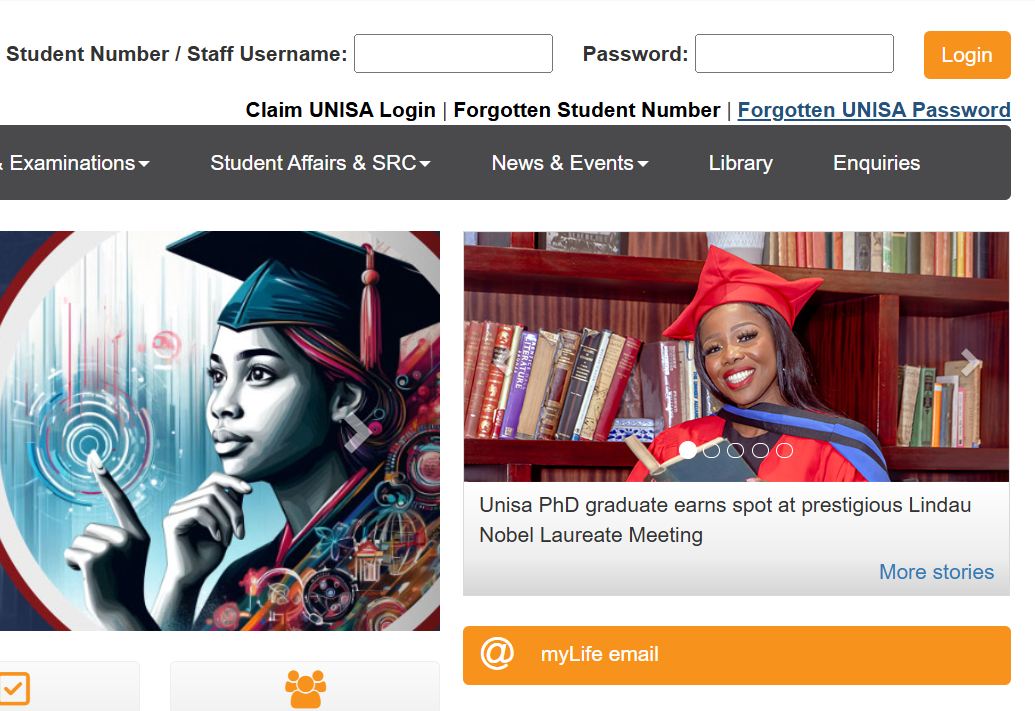
If you are a new student at UNISA, you must claim your UNISA login before accessing the student portal. This guide explains how to do it step by step.
What Is a UNISA Login?
Your UNISA login gives you access to important platforms like MyUNISA, MyLife email, and online learning tools. It includes your student number and a password you will create during the claiming process.
Tip: Have your student number and personal details ready before you begin the process.
Steps to Claim Your UNISA Login
- Go to the MyUNISA login page.
- Click on “Claim UNISA Login”.
- Enter your student number and click Continue.
- Provide your personal details as requested (such as your ID/passport number or date of birth).
- Follow the prompts to create your password.
- Once successful, you will see your UNISA email address and be ready to log in.
Important: Your password must be at least 8 characters long and include both numbers and letters.
What You Can Access After Claiming
- MyUNISA: View your courses, announcements, and academic records.
- MyLife Email: Send and receive emails from your official UNISA email address.
- Study Materials: Access learning content and assignment portals.
Note: It may take up to 24 hours for your MyLife email account to become active after claiming your login.
Need Help?
- Call UNISA Support: 0800 00 1870 (toll-free from Telkom)
- Email Support: myunisahelp@unisa.ac.za
For more help, browse our MyUNISA support articles.
How to claim myUnisa Logins
Here is a video guide for you